Workshops and events
Create a sales page for a workshop, talk or activity with a fixed price.
booktocheckout
A workshop, a consultation, a digital product or another offer. With bookto Checkout you create an online sales page for it, so clients can order and pay upfront on their own.
No shopping cart, no complicated webshop. Just a clear page for what you sell.
bookto Checkout is part of bookto: one platform of practical tools for independent knowledge experts.
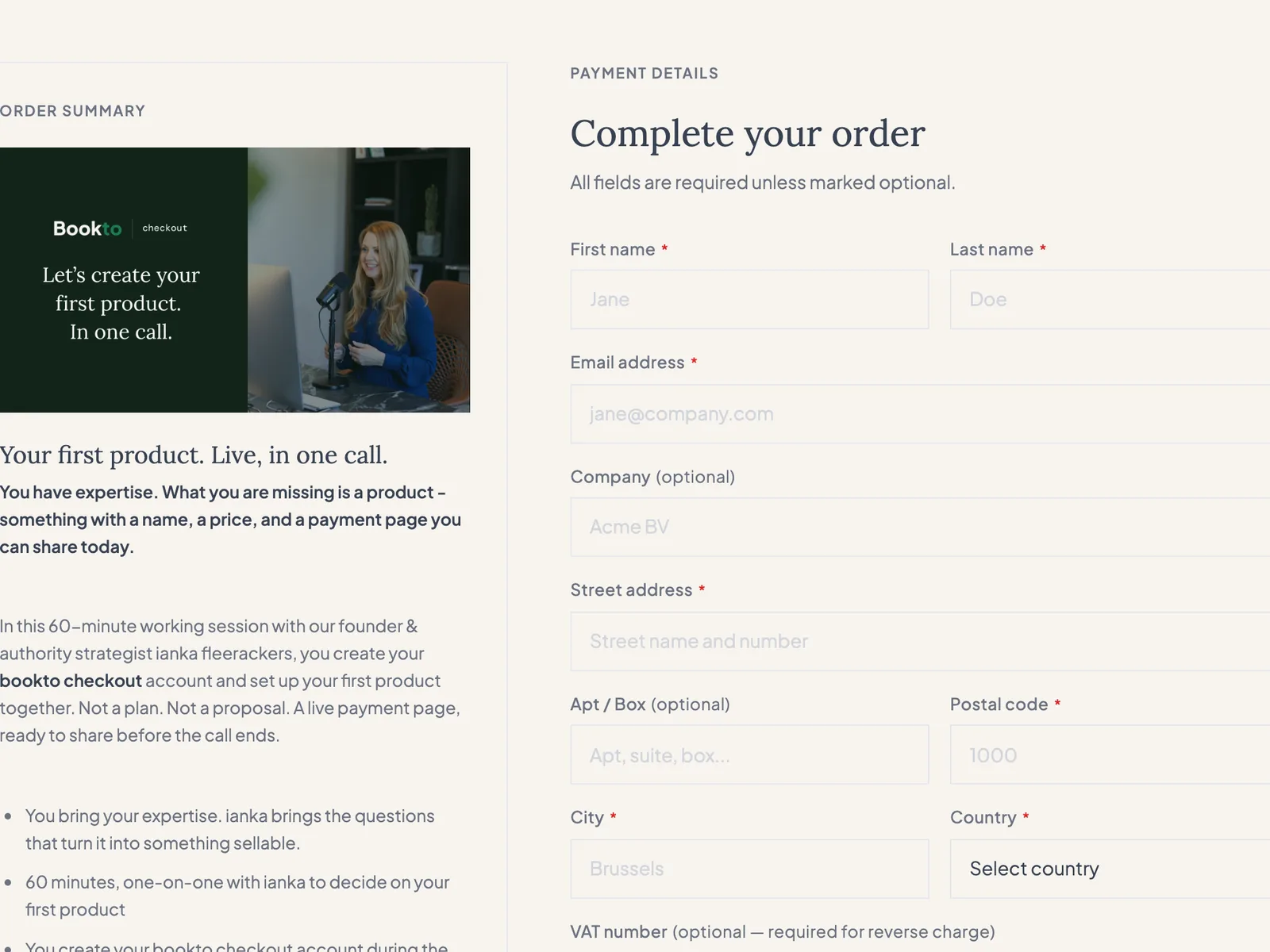
Maybe you run a workshop now and then. Offer a standalone session. Or have a digital product people can buy directly from you.
Then what you mainly want is for someone to view your offer, fill in their details and pay right away.
Of course you can get paid afterwards and send your invoice. Or send a one-off payment link. But sometimes you want people to order and pay upfront on their own, without you having to handle every sale separately.
That is what bookto Checkout is made for.
How it works
Give your product or service a name, a description, an image and a price. bookto turns it into its own sales page.
Put the link on your website, in your newsletter, on social media, or send it directly to someone who is interested.
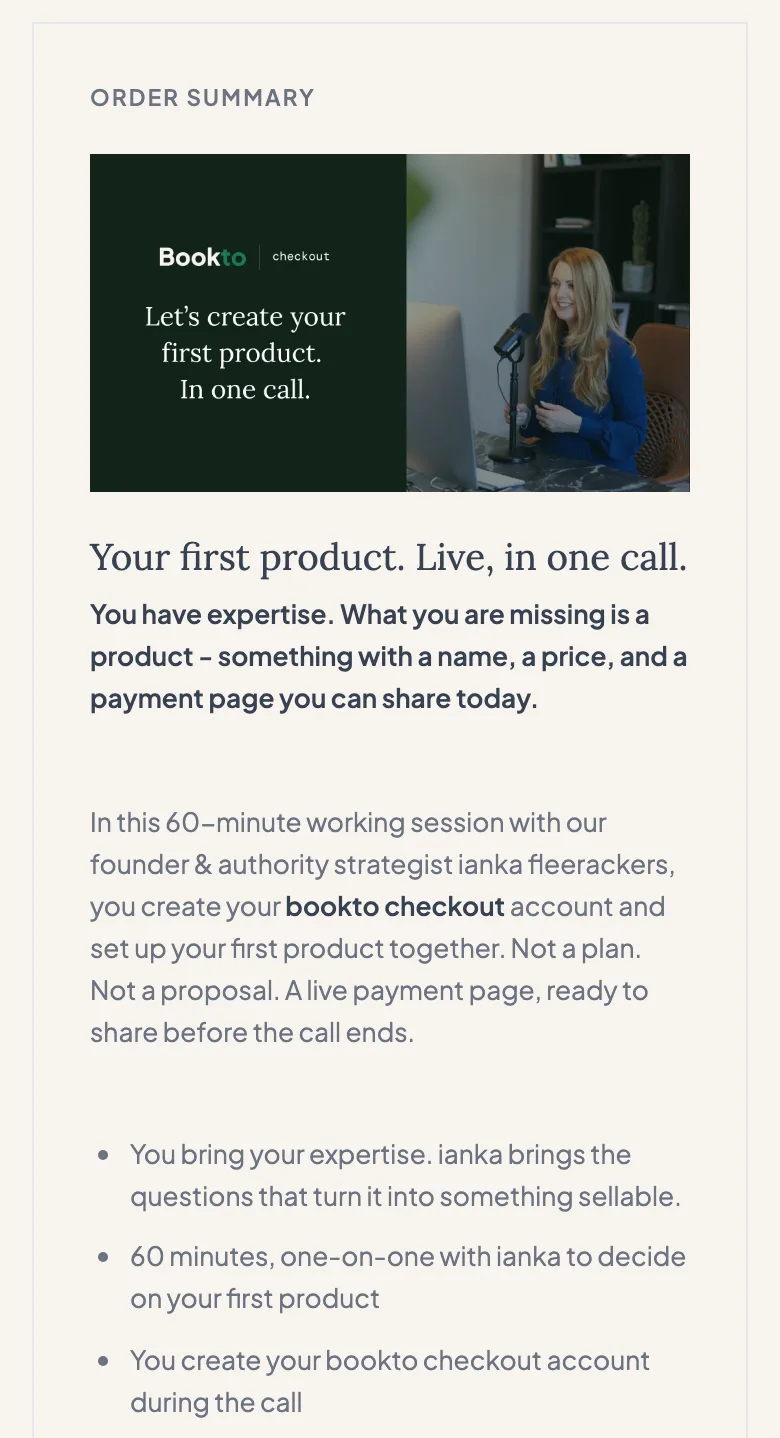
The client fills in their details and pays via Mollie. The money goes straight to your Mollie account. bookto records the order and sends the confirmations you have set up.
Use cases
Create a sales page for a workshop, talk or activity with a fixed price.
Let clients pay upfront for a standalone conversation or service. Want them to pick a time slot too? Then bookto Booking can be used together with Checkout.
Sell a guide, workbook or document, for example. You can include a fixed access or download link in your confirmation email.
Sell one specific product, or combine several parts into one offer with one total price, such as a programme with multiple sessions or modules.
The difference with a payment link
A payment link is handy when someone still owes you an amount.
But if you want to put an offer online that people can buy on their own, you often need more than a payment request.
With bookto Checkout every offer gets its own page with a description, a price and an order form. Your client can order without contacting you first.
bookto keeps track of the orders and helps you with the communication after the purchase.
| Payment link | bookto Checkout | |
|---|---|---|
| Receive a payment | ||
| Own page with description and price | ||
| Order form for your client | ||
| Ordering without contacting you first | ||
| Overview of your orders | ||
| Confirmation after the purchase |
A payment link helps you receive a payment. bookto Checkout helps you sell an offer online.
Features
You connect your own Mollie account. Clients pay with the payment methods you have activated there. bookto does not receive or manage your sales revenue.
Set your price and VAT rate. bookto calculates the order amount and supports discounts and discount codes where these are available for your account.
Your client receives an order confirmation after a successful payment. You receive a notification of the sale, unless you have switched it off. You can add your own message to the client confirmation, for example practical information or a fixed link.
See who ordered what, and export your order data whenever you need it elsewhere.
Already using accounting or email marketing software? Via Zapier or webhooks you can pass order data on to other software, provided it supports the necessary connections. That way you can set up an invoicing or email workflow in the tools you already use.
Availability of these connections depends on your bookto access and on what the external software supports. bookto does not have a direct, built-in integration with every accounting or email marketing program.
Who it's for
bookto Checkout is not a full webshop. And that is deliberate.
You create an offer and sell it through its own page, without stock management or complicated sales funnels. One offer can contain several parts, as long as you offer it as one product with one price.
Want to put a specific offer online, receive orders and have clients pay upfront through your own Mollie account? Then Checkout may be exactly what you are looking for.
Want clients to fill a shopping cart themselves, sell recurring subscriptions or generate personal download links automatically? Then you need other software.
The bookto platform
An online sale often starts before the payment and doesn't end once someone has paid.
Maybe you first want to find out what a potential client needs. Maybe that client wants to book a conversation straight away. Or maybe they already know exactly which offer they want to buy.
bookto brings several steps of that process together in one platform:
booktoaudit
Let people fill in a questionnaire and receive their answers, or offer a report. That gives you insight into their situation and needs.
booktobooking
Give clients the option to book an available time slot. For paid appointments, Booking works together with Checkout, so booking and paying upfront fit into one process.
booktocheckout
Put your service, session, workshop or product online. Your client can order and pay on their own. Checkout is the payment step in your sales process.
One account. Several practical tools. Use them separately, or together where a connection exists.
FAQ
No. Every offer gets its own link that you can share directly. You can of course also place it on your existing website.
Yes. To receive payments you connect your own Mollie account to bookto. That is also where you manage which payment methods your clients can use.
No. bookto does not create official invoices for your clients. You and your client do receive an order confirmation after a successful payment. For the invoice you use your own accounting or invoicing software. Through an external connection or an export you can take the order data over.
You can include a fixed download or access link in the confirmation email. bookto does not offer automatic file delivery or unique download links per client.
Yes. You can put together one offer that contains, for example, several sessions, programmes or other parts, and set one total price for it. Clients cannot combine separate products in a shopping cart themselves.
No. Checkout is meant for one-off purchases. Recurring payments or instalment payments for your clients are not supported.
The payment page uses the fixed bookto design. You can set the content and image of your offer.
No. Checkout is part of the bookto platform. The planned platform subscription gives access to the tools; current access and commercial availability will be confirmed at launch.
You don't need to build a full webshop to offer a workshop, session or product online.
Create a page for your offer, share the link and let your clients order and pay upfront on their own.
That is bookto Checkout.
bookto is currently in a limited-access phase.